A wedding organizer site that prices the day and checks the date
The problem
A wedding organizer's WhatsApp opens with the same two questions from every couple: roughly how much for 300 guests, and is our Saturday still free. The price list is a PDF sent on request, the calendar lives in the owner's phone, and a couple comparing five organizers at night books a meeting with whoever answers first.
What we built
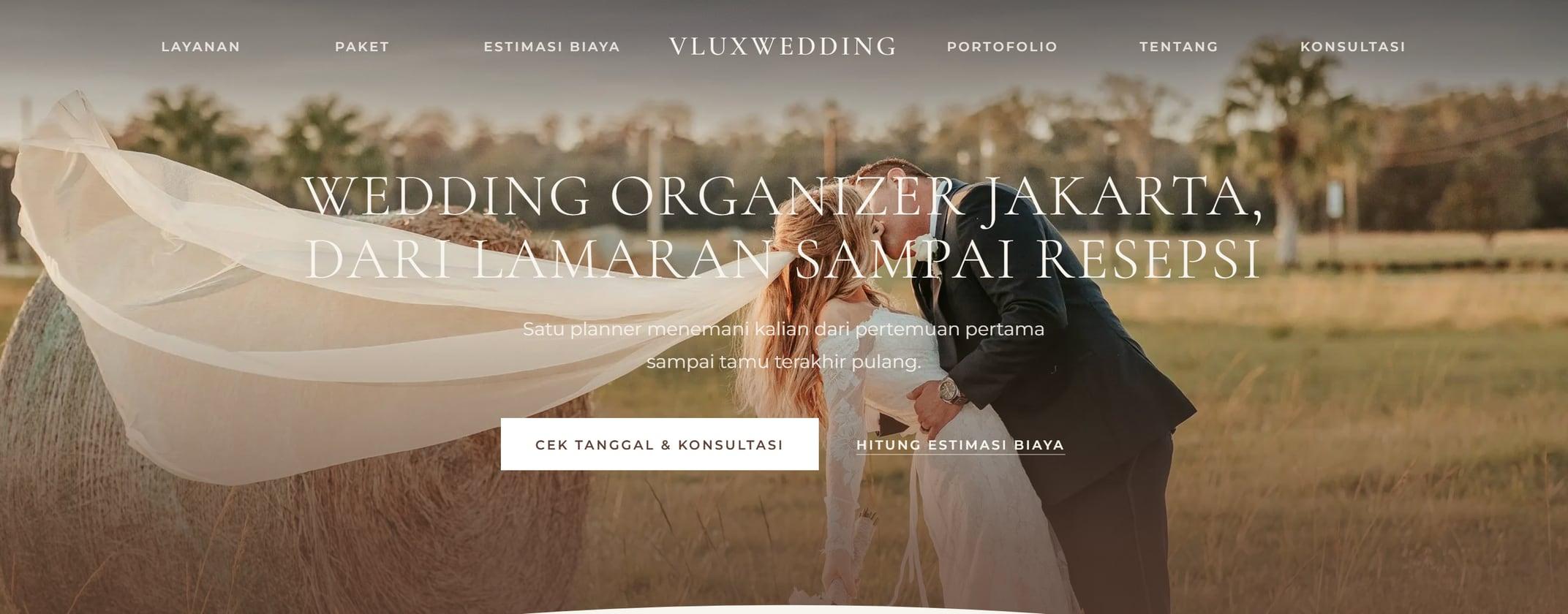
Eleven kinds of page plus a page for each of six services and three planning guides, in Indonesian and English, set in linen and cocoa with arched photos and thin serif capitals, after a Dribbble reference the owner picked. A cost estimator turns guest count, venue, tradition, decor, attire and entertainment into an itemised range and names the package that fits. A date calendar shows which Saturdays are still open, counts the planning timeline back from the chosen date and books a free consultation. Six traditions, from Javanese to Chinese Indonesian, each list their rites in order. Every path ends in one WhatsApp message with the couple's choices already written, and every page carries its own title, description, breadcrumbs and structured data.
More work
A barbershop page that answers the price question before it is asked
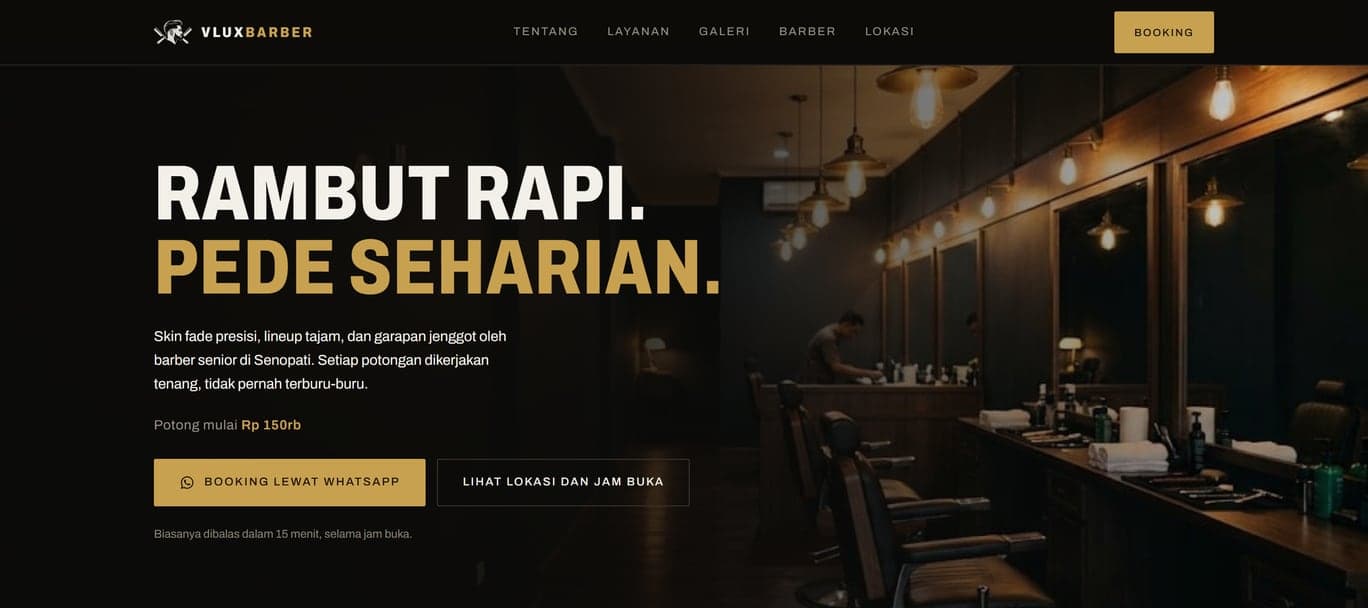
One page carrying the full price list with durations, the barber's background, the work, and the opening hours, ending in a WhatsApp button that is never more than a thumb away. The questions are answered before anyone opens a chat.
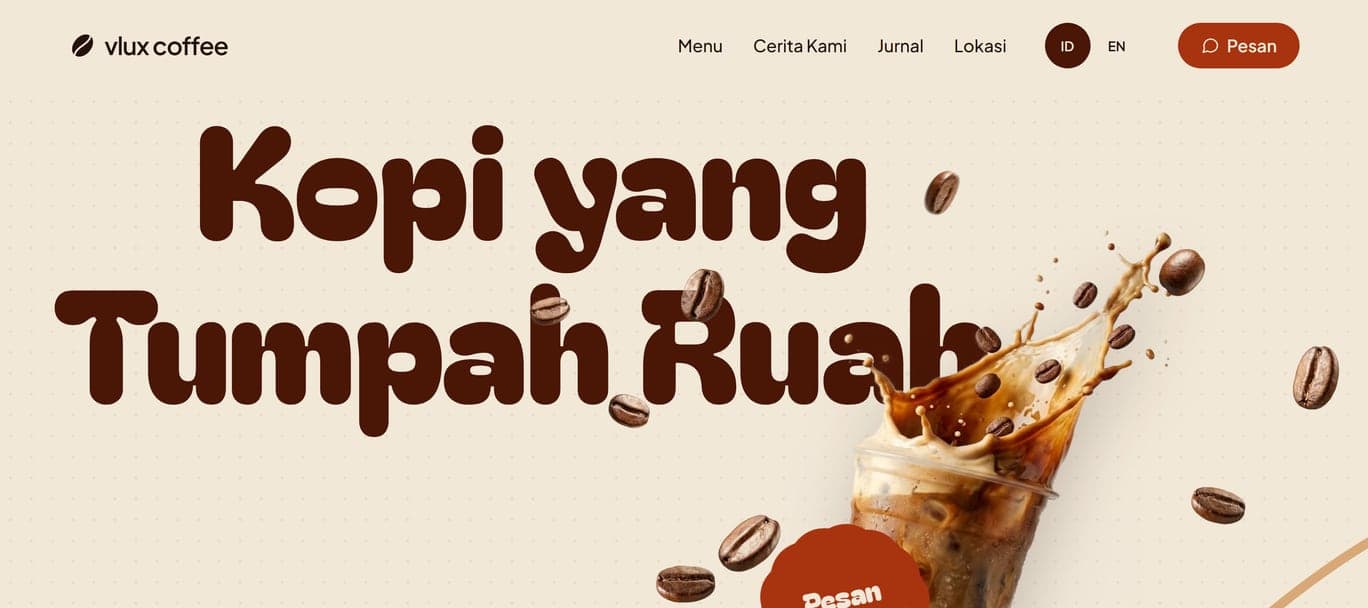
A café page that already knows whether it is open right now
Five pages in Indonesian and English carrying the full menu with its prices, the three outlets under an open-now badge that reads real Jakarta time rather than a hardcoded label, and somewhere to order on every screen: WhatsApp in the header, GoFood and GrabFood a thumb away on phones.
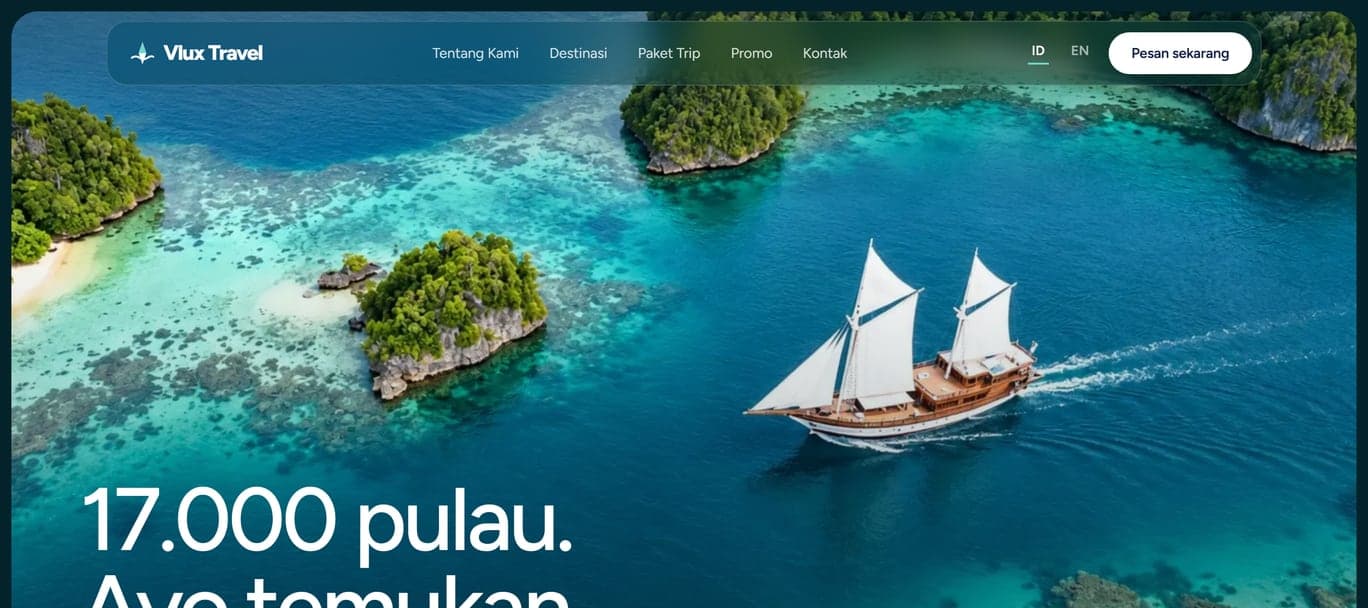
A travel agency site that writes the WhatsApp message for you
Eight pages in Indonesian and English carrying six destinations, every trip's itinerary, what is and is not included, and the departure dates with seats left. On each trip a visitor picks a date and the number of travellers, sees the total, and taps once to send a WhatsApp message that already names the trip, the date and the headcount.